Models
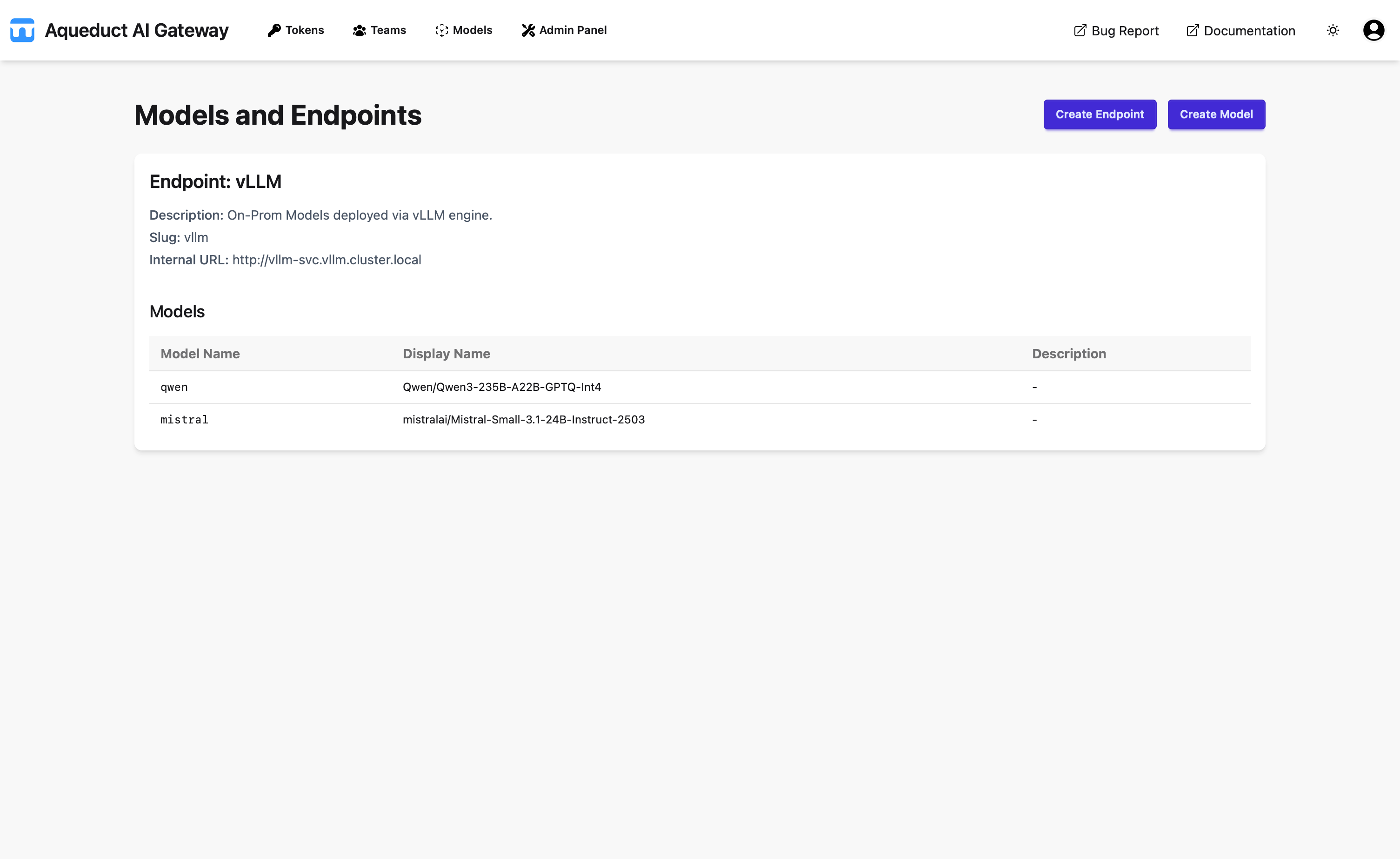
On the Models page, you can view the available models in a table.
Model Name
The model name in the table specifies the name for the model to use when making requests. The TPM and RPM columns specify the tokens per minute and requests per minute for this model.
Aliases
Model aliases are alternative names for models. When making API requests, you can use either the model name or any of its aliases in the model parameter. Note that the underlying model of an alias can change. If the model changes, you can still use the alias without any change.
Supports Vision
Says “Yes” if the model supports vision, meaning it can use images as input.
Default TPM
Maximum tokens per minute for this model irrespective of your org, team or user quota limit.
Default RPM
Maximum requests per minute for this model irrespective of your org, team or user quota limit.
Timeout
Timeout in seconds for this model.